December 9, 2025
What Is a Sketch a Practical Guide for Modern Designers
Understand what is a sketch in the design process. This guide explains key types, their purpose, and how to use them to bring your vision to life.
Ever wondered what a sketch really is? It's so much more than just a doodle. Think of it as the first tangible flicker of an idea—a quick, no-pressure way to pull a thought out of your head and see it in the real world. It’s the critical first step that connects a creative spark to a finished project.
Understanding The Power Of A Sketch
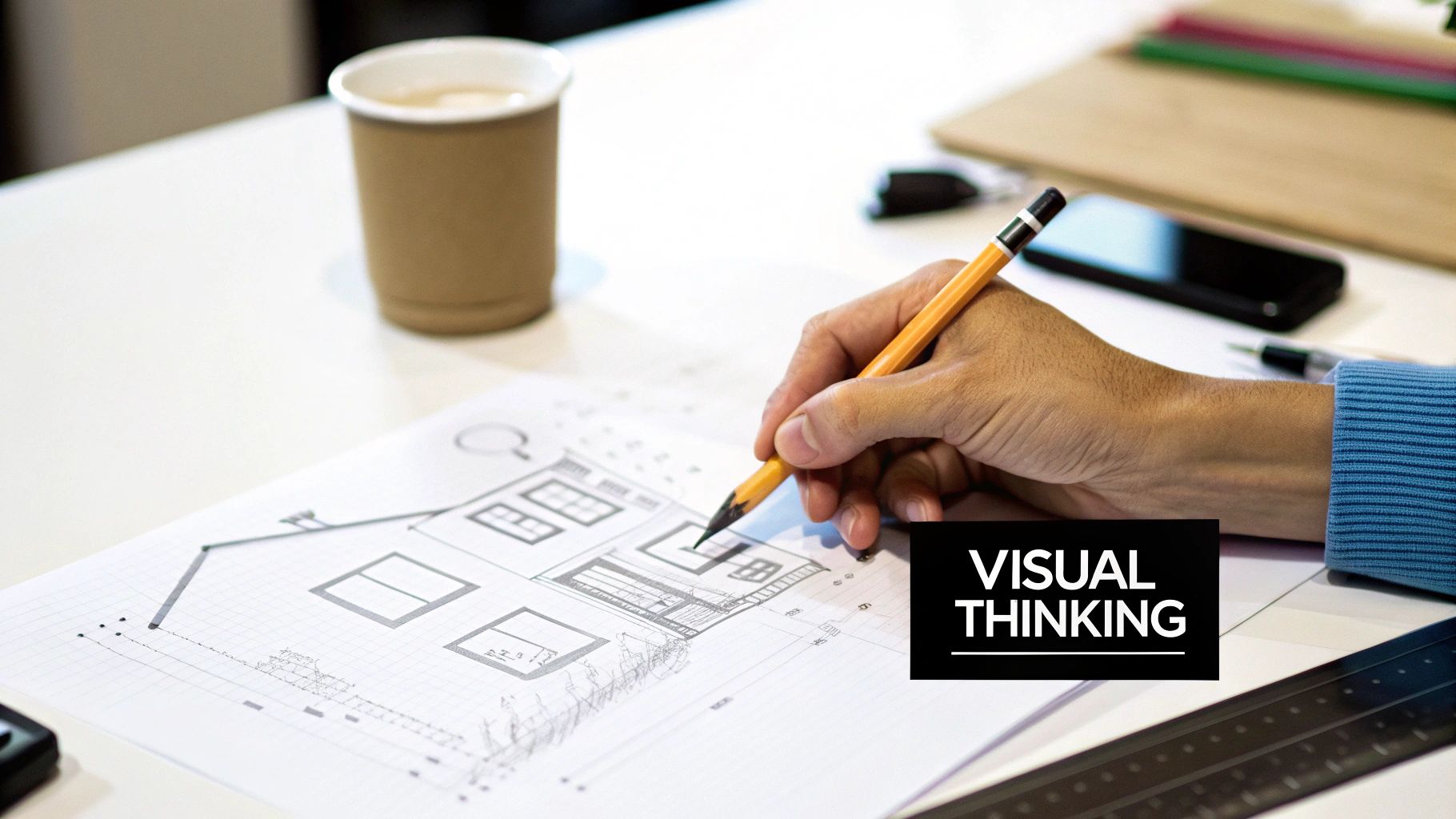
At its core, a sketch is a tool for thinking out loud on paper. It’s not about perfection or creating a masterpiece. It’s about exploration.
For anyone in a creative field, from interior designers to architects, sketching is like having a rapid-fire conversation with yourself. It’s where you can test out possibilities, wrestle with spatial puzzles, and clarify complex ideas with surprising speed.
This isn’t a new concept, of course. The idea of a quick, freehand drawing goes back thousands of years. The word itself comes from the Greek σχέδιος (schedios), meaning ‘done on the spur of the moment.’ And its purpose has always been practical: to capture a fleeting thought, work through an idea, or explain a concept long before committing to a final design. For a deeper dive, you can read about the origins of sketching on Wikipedia).
The Core Functions of Sketching
In any design workflow, a sketch wears a few different hats. It’s the primary vehicle that takes a project from a vague notion to something concrete, making it an indispensable part of the process.
Here’s a breakdown of the key roles it plays:
- Idea Generation: Sketching is perfect for brainstorming. You can churn out dozens of concepts in minutes without getting bogged down.
- Problem-Solving: It’s where you can visualize and solve tricky spatial relationships, figure out structural challenges, or spot aesthetic clashes early on.
- Communication: A simple sketch can explain a complex vision to a client or a team member far better than a long email ever could.
- Documentation: It creates a visual diary of your thought process, capturing the journey from the first inkling to a more refined idea.
Here's a quick summary of why sketching is so fundamental to the design process.
The Role of Sketching at a Glance
| Characteristic | Purpose in Design |
|---|---|
| Rapid & Raw | Enables fast exploration of multiple ideas without commitment. |
| Visual & Intuitive | Translates abstract thoughts into a universal, visual language. |
| Iterative & Flexible | Allows for easy modification and refinement as concepts evolve. |
| Low-Fidelity | Focuses on the core concept, not on distracting, polished details. |
| Communicative | Acts as a simple, effective tool for sharing ideas with others. |
This table highlights that a sketch's real value lies in its simplicity and function, not its artistic merit.
At its heart, a sketch is not the final product. It's the raw, honest starting point—the first step in a journey that transforms a fleeting idea into a well-defined reality.
Once you really get this, everything changes. When you stop seeing a sketch as a piece of art and start seeing it as a thinking tool, you unlock its true power. This mindset is essential for developing strong design concepts in interior design, where the first ideas need room to breathe and evolve. By embracing the imperfections, you give yourself the freedom to innovate and refine your vision long before you ever touch a digital tool.
A Journey Through Time: From Cave Walls to CAD
To really get why sketching is so vital for designers today, it helps to look back at where it all started. This isn't some new-fangled technique; sketching is one of the most ancient, fundamental human instincts. It’s how we first started to think visually and tell stories, long before we ever had a written alphabet.
Our story starts deep inside ancient caves. Drawing is one of the oldest forms of human expression we know of, with sketches discovered on cave walls in France and Spain that date all the way back to 30,000 to 10,000 B.C. These weren't just doodles. They were powerful tools for communication, used to pass down stories and crucial knowledge from one generation to the next. For a deeper dive, check out this fascinating history of drawing from Scholastic Art.
From Ancient Blueprints to Renaissance Genius
For thousands of years, sketching grew right alongside civilization. The ancient Egyptians relied on preliminary drawings on papyrus to map out their complex hieroglyphs and tomb paintings. The Greeks and Romans used sketches to design everything from the curve of a pot to the grand scale of their architecture.
But it was the Renaissance that really changed the game. Masters like Leonardo da Vinci transformed the sketch from a simple preparatory step into a powerful tool for discovery. His notebooks are a testament to this, overflowing with thousands of sketches that explore human anatomy, futuristic machines, and the natural world.
For Renaissance thinkers, a sketch wasn't just a plan for a future painting. It was a way to figure out the world—a tool for analysis, invention, and bridging the gap between what they saw and what they understood.
This era truly solidified the sketch's place as a critical art form in its own right. It became a way to capture not just what the eye could see, but what the mind could imagine.
The Language of Design
As we moved into the Industrial Revolution, the sketch became the universal language of innovators. Architects used elevation and perspective sketches to bring their complex building designs to life long before breaking ground. Furniture makers and engineers depended on detailed drawings to perfect both function and form, making sure their ideas could be built exactly as envisioned.
Fast forward to today, and even with the dominance of Computer-Aided Design (CAD), the humble hand-drawn sketch still holds its ground. These digital tools are incredibly powerful, no doubt. But they are often the final phase of a creative process that almost always begins with the simple, intuitive act of a hand putting a line on paper.
This incredible legacy tells us something important: while our tools have changed beyond recognition, the core purpose of a sketch has stayed the same for millennia. It is, and always has been, the quickest way to pull an idea out of your head and into the world.
Mastering the 5 Types of Design Sketches
It's a common misconception that all sketches are the same. In reality, an experienced designer has a whole toolkit of different sketch types, and they know exactly which one to pull out for the job at hand. Think of it like a chef's knife set—you wouldn't use a cleaver for delicate paring. Learning to use the right sketch at the right time is what elevates it from a simple drawing to a powerful problem-solving tool.
From the earliest cave paintings to Leonardo da Vinci's anatomical studies and today's advanced software, the core purpose of sketching has always been the same: to get an idea out of your head and into the world, fast.
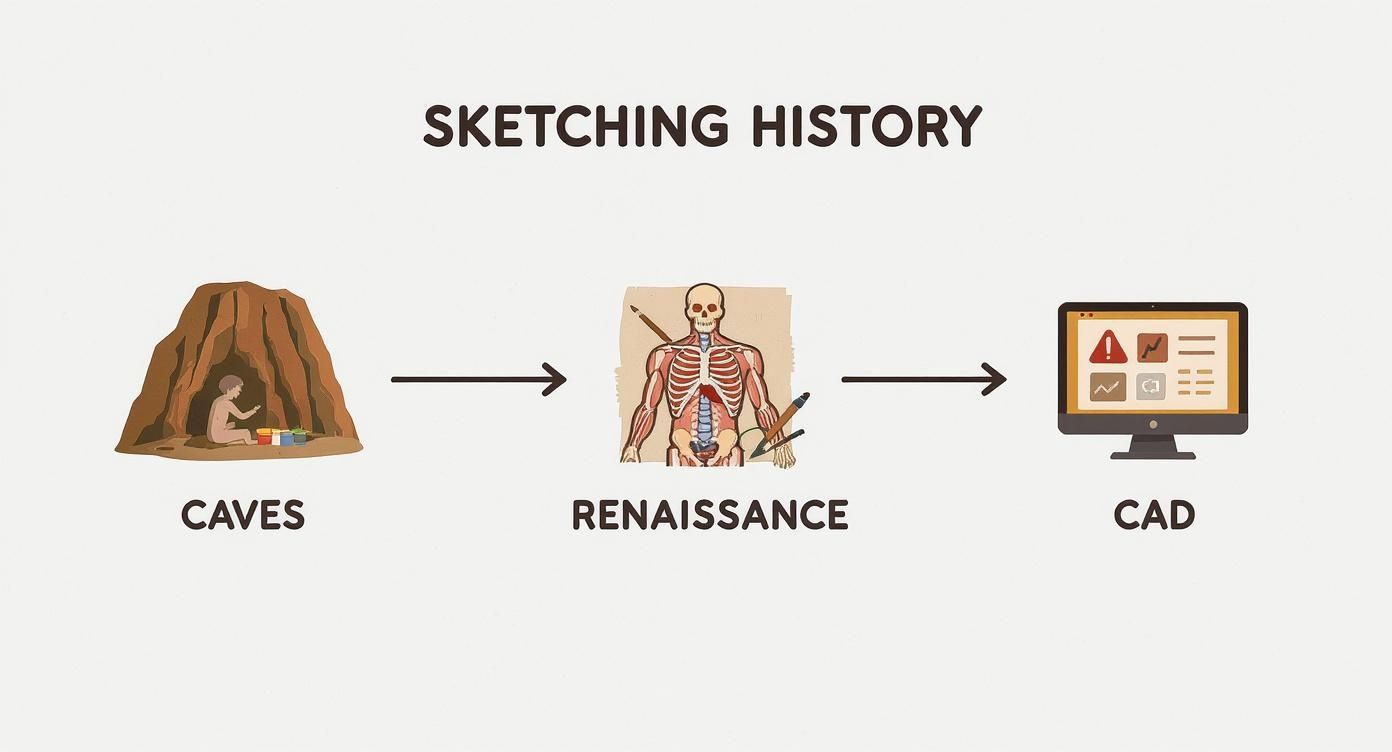
While our tools have changed dramatically, the human need to quickly visualize and communicate ideas hasn't. Let’s dive into the five essential sketches that every interior designer should have in their arsenal.
1. Thumbnail Sketches
Think of these as your visual brain dump. Thumbnail sketches are tiny, super-fast drawings, often no bigger than a postage stamp, that you can crank out by the dozen. The point here isn't to create a masterpiece; it's all about exploration.
You're generating as many ideas as possible in a short burst. By keeping them small and rough, you don't get emotionally attached to any single concept. This is where you play with different furniture arrangements, room layouts, or color palettes, letting you stumble upon unexpected solutions without investing a lot of time. Quantity over quality is the mantra.
2. Layout and Floor Plan Sketches
Once a promising idea pops up from your thumbnails, it's time to give it some structure with a layout sketch. This is where you start thinking seriously about spatial relationships and how people will actually move through the environment. For an interior designer, this almost always means a floor plan.
You're essentially creating a map of the space, figuring out where the walls, doors, and major furniture pieces will live. A good layout sketch answers some critical questions:
- What's the natural path someone will take when walking into the room?
- How do the different areas—like the living and dining zones—relate to each other?
- Does the overall arrangement feel practical and balanced?
This is your bird's-eye view, the blueprint that sets the foundation for everything else.
A great design isn't just about what you see; it's about how you experience a space. The layout sketch is the first step in choreographing that experience, defining the rhythm and flow of daily life within the walls you create.
3. Perspective and Elevation Sketches
Layouts give you the "what" and "where," but perspective and elevation sketches show you the "how it looks." These are the drawings that start to bring your 2D plan into the 3D world, making it feel real.
Elevation Sketches are straight-on, 2D views of a single wall. They're perfect for working out the details of a kitchen cabinet layout, a custom bookshelf, or how artwork will be arranged. There's no distortion, just a flat view of one surface.
Perspective Sketches are the magic makers. They create the illusion of depth and show a room as the human eye would see it from a particular spot. This is the sketch you show a client to help them truly feel what it will be like to stand in their new living room.
4. Detail Sketches
Finally, we zoom all the way in with detail sketches. These are the close-ups that solve the tiny but crucial construction problems. This is where you figure out exactly how two different materials will meet or how a custom piece of furniture will be joined together.
Think of questions like: What profile will the edge of the countertop have where it meets the cabinet? How is that floating shelf actually mounted to the wall? These specific, technical drawings are the bridge between your big idea and the craftsperson who will build it, ensuring nothing gets lost in translation. They are the instructions that make flawless execution possible.
Integrating Sketches Into Your Modern Design Workflow
In a world packed with powerful digital design software, it's easy to wonder where a simple, hand-drawn sketch still fits. Is it an outdated skill? Not at all. Sketching is the critical human element that gives technology direction, ensuring your creative vision stays at the heart of the entire process.
Integrating sketches into your workflow isn’t about choosing paper over pixels. It's about creating a smarter, more fluid process where the two strengthen each other. This timeless skill is as fundamental today as it was for the masters. Just look at Pablo Picasso—he filled an estimated 175 sketchbooks during his lifetime, using them to hash out the groundbreaking ideas that would define modern art. You can dive deeper into his process in this history of drawing exploration.
That same principle of quick, low-stakes exploration is exactly what makes sketching so powerful for modern designers. Your sketchbook is your private lab for innovation.
Bridging Paper and Pixel
The most effective modern design workflows don't start with a mouse click; they start with a pencil stroke. This foundational step often happens long before a computer is even turned on, usually right there in the initial client meeting.
A quick sketch on paper during a discovery session can instantly get you and your client on the same page. It’s a fast, collaborative way to figure out room flow, furniture scale, and the overall layout. This simple act can save you hours of expensive revisions on a digital model down the line. When you present a few rough concepts, you’re showing your thought process and inviting feedback early, making clients feel like true partners in the design journey.
A sketch is the most direct line from a thought to a tangible concept. By starting with this unfiltered idea, you ensure that technology serves your vision, not the other way around.
Once you and your client have a shared direction, that sketch becomes the perfect blueprint for your digital work.
Transitioning From Hand to Software
Moving your concept from paper to a program like SketchUp or AutoCAD is a surprisingly seamless process that keeps your creative integrity intact. Here’s a typical breakdown of how it’s done:
- Digitize Your Sketch: Use a scanner or just snap a high-quality photo of your final drawing. The goal is a clear image you can import into your software.
- Import as a Base Layer: Bring the image into your digital workspace and set it as a semi-transparent base layer. Think of it as digital tracing paper.
- Trace and Build: Use your sketch lines as a guide to build out walls, place furniture, and define the space with precision. The proportions and layout you decided on by hand now guide every click.
This method ensures your original creative spark—that unique feel and flow you captured in the sketch—is preserved. This kind of visual brainstorming is also a key part of creating other powerful tools; for more on this, check out our guide on interior design mood board examples. By building on this hand-drawn foundation, you get the best of both worlds: the intuitive freedom of drawing and the technical power of digital tools. It's a workflow that’s both efficient and creatively fulfilling.
2. Choosing Your Tools: From Paper to Pixel
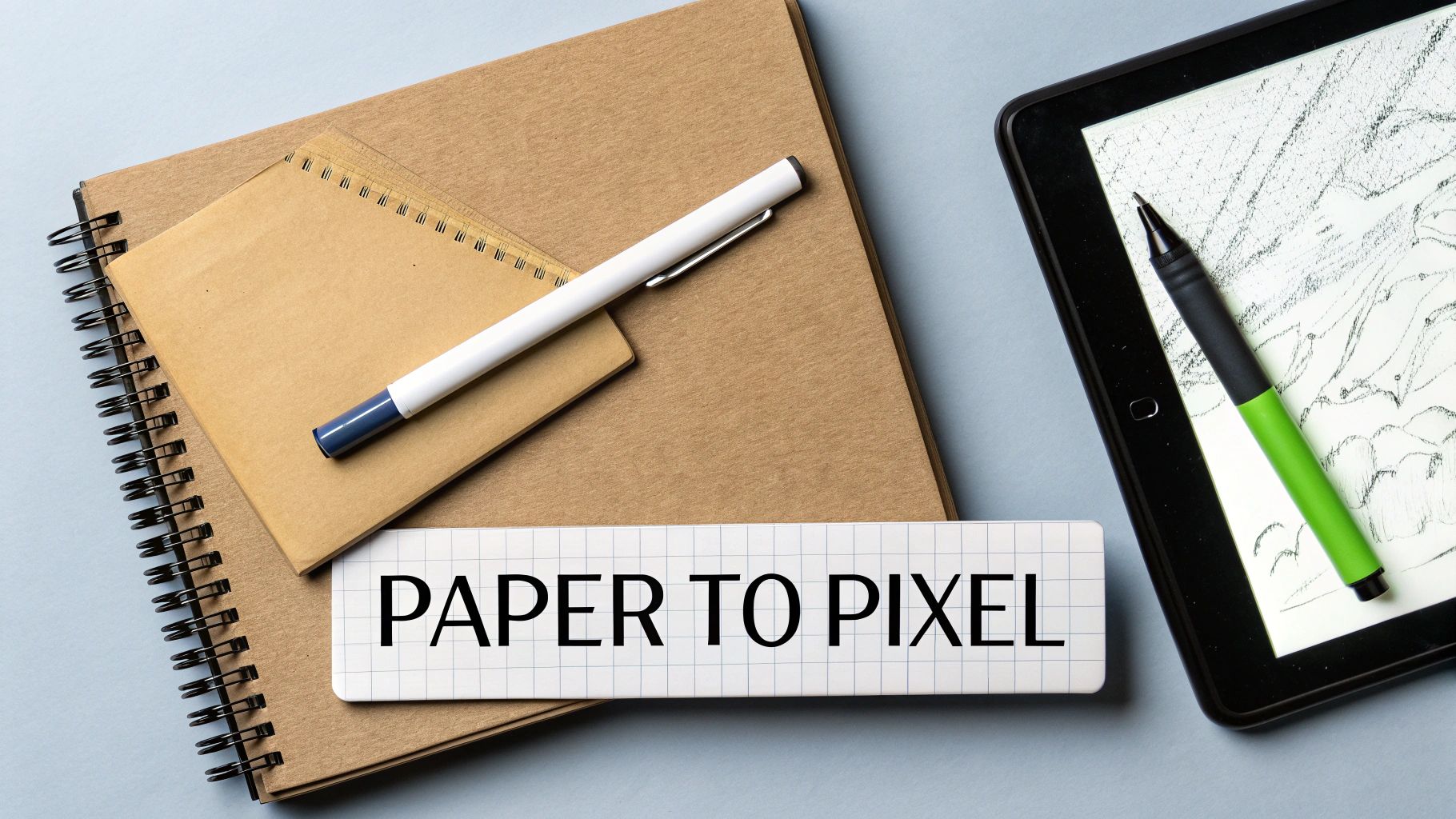
Today’s designers have a fantastic range of tools, from a simple pencil and napkin to a high-tech digital stylus. The real question isn't about which is "better," but about which tool fits the moment and your unique workflow. It’s all about building a personal toolkit that feels natural and helps you work smarter.
Even with all the tech available, many of us still find ourselves reaching for a trusty pen and paper. There’s something special about that tactile connection—it just feels different. It’s immediate and lets your ideas flow without any barriers.
The specific tool you grab can completely change the feel of a sketch. A fine-tip pen is your best friend for crisp, clean lines on a detailed drawing. On the other hand, a soft graphite pencil is perfect for those quick, loose thumbnail sketches where you're just trying to get a feel for a concept. And when you need to explore color and mood, a handful of markers can bring a perspective sketch to life in minutes.
Embracing the Digital Sketchbook
Of course, digital tools have completely changed the game, offering incredible flexibility. Apps like Procreate on an iPad or Morpholio Trace are now essentials in many design studios, and it's easy to see why. The ability to work in layers, undo mistakes instantly, and access an infinite color palette is a massive advantage.
This is where digital really shines: iteration. You can sketch a floor plan, duplicate it, and then effortlessly experiment with five different furniture arrangements. Need to make that sofa a little bigger? Just select and scale it. This freedom encourages you to play and explore without the fear of messing up the original drawing.
The most powerful workflow isn't a choice between analog and digital—it's a hybrid of both. The goal is to combine the raw, intuitive energy of a physical sketch with the precision and flexibility of software.
Creating a Hybrid Workflow
The real magic happens when you stop seeing paper and pixel as separate worlds and start blending them together. This hybrid approach lets you capture that initial creative spark on paper and then bring it into a digital space for refinement. You get the best of both worlds—the organic feel of a hand-drawn sketch with the polish of a digital rendering.
Here’s a simple way to build that bridge between your notebook and your screen:
- Step 1: Start on Paper: Grab your favorite pen and sketchbook. Get your initial concept, layout, or perspective down without worrying about making it perfect. Just capture the idea.
- Step 2: Capture and Digitize: Take a clear photo of your sketch in good lighting, or use a scanner for a cleaner result. The key is to get a sharp, high-contrast digital version of your line work.
- Step 3: Import and Refine: Pull that image into an app like Procreate or even Photoshop. You can set it as a base layer, trace over it to create clean lines, add color, and experiment with different textures. This way, the final drawing still has the soul of your original idea.
2. Using AI to Bring Your Sketches to Life
What if you could take a rough concept sketch and see a photorealistic version of it in minutes instead of days? That's no longer science fiction. The next big leap for designers is pairing classic sketching skills with the power of artificial intelligence. It's a combination that drastically shrinks the gap between a raw idea and a polished visual you can show a client.
Tools like AiRoom are changing the game by learning to interpret hand-drawn concepts and generate stunning design variations from them. It's a simple idea: you upload a basic layout or a quick perspective sketch, and the AI gets to work, churning out multiple options with different materials, furniture styles, and even lighting. This doesn't replace your creative spark; it just puts it into overdrive by taking on the heavy lifting of visualization.
From a Napkin Sketch to a Realistic Scene
This new workflow unlocks a level of rapid-fire iteration that just wasn't possible before. Think about it. Instead of dedicating hours to meticulously modeling a single concept, you can explore a dozen different creative directions, all stemming from one simple drawing. This frees you up to solve the real design puzzles and make the big-picture decisions that matter most.
The true power of AI rendering is the speed it gives you to test ideas. You can see the potential of a concept almost instantly, which helps you make smarter decisions, faster, and present much more compelling options to your clients.
Just look at the image below. It’s a perfect example of how a platform like AiRoom can take a simple starting point and spin it into a bunch of high-quality, fully-formed design concepts.
See how it translates one basic sketch into multiple interior styles? You can go from minimalist to modern and everywhere in between, all from the same initial drawing.
This is an incredible way to explore different moods for a space and find the perfect vibe for a project without getting locked into one path too early. It's also a fantastic tool for getting client feedback and refining the final direction together. For more tips on transforming a space from the ground up, take a look at our guide on how to redecorate a room.
A Few Common Sketching Questions Answered
Even when you know why sketching is important, a few practical questions always seem to pop up. Let's tackle some of the most common ones that can hold designers back from picking up a pen and just starting.
Do I Need to Be a Great Artist?
Absolutely not. This is probably the biggest myth out there. Design sketching is all about communication, not fine art.
Your goal is to get an idea out of your head and onto paper so someone else can understand it. Simple lines, basic shapes, and clear notes are a thousand times more valuable than a masterpiece that took hours to create. Always prioritize clarity over beauty.
How Should I Present a Sketch to a Client?
This is where managing expectations comes in. Never just hand over a sketch without explaining what it is. Frame it as a starting point—a way to explore early ideas together.
When you present a sketch, you're not showing a final product; you're inviting them into the creative process. Use it as a tool to talk about the flow of a room, the scale of furniture, or different layout possibilities. Showing 2-3 quick thumbnail options is a great way to show you’ve already thought through different approaches.
A sketch isn't a declaration; it's a conversation starter. It tells a client, "Here's what I'm thinking, let's build on this together."
Will AI Tools Just Erase My Original Idea?
This is a valid concern, but good AI design tools are built to respect your creative direction, not ignore it. Think of your sketch as the blueprint. It sets the non-negotiables—the walls go here, the sofa goes there, the window is this big.
The AI then acts as an incredibly fast renderer, building on that foundation with realistic lighting, textures, and materials. You're still in the driver's seat, using text prompts to guide the style. It takes your core idea and handles the tedious work, giving you a polished visual that stays true to your original vision.
Ready to see how your quick sketches can become client-ready visuals in minutes? Start bringing your ideas to life with AiRoom and watch your creative process get a serious boost. Explore what's possible at https://www.renderroomstudio.com.